
Matched with the right attorney

Divorce, made a little lighter.
One of the hardest times in a person's life. Marble set out to make the legal part feel simple.
- Role
- Lead designer, client experience
- Team
- 1 product designer, 2 product managers, 1 content writer, 1 data analyst, 6+ engineers
- Year
- 2026
Highlights
One task at a time
One scan fills the intake form

Meet Alex
She's 38, has just decided to divorce, and has never hired a lawyer. Over the next months she'll ask many questions.
“Where do I even start?”
Why legal care is hard
Two people, opposite needs
Clients need hand-holding. Attorneys need to focus on the legal work.
The legal path is a maze
Bureaucracy, unclear next steps, and emotions running high.
Lawyers cost too much
Paying by the hour leads to unknown costs.
Where we started
The initial experience focused mainly on the first client tasks, and missed most of the client journey.
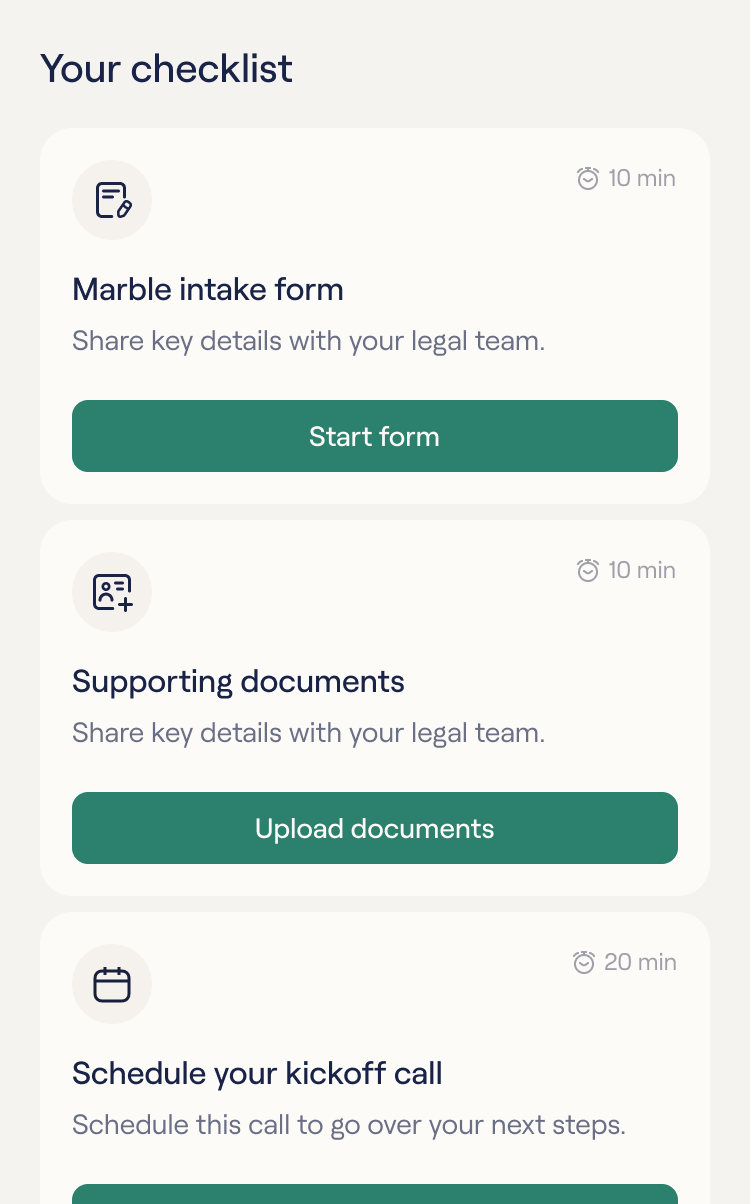
Where do I start?
01Three tasks, and no idea why they mattered.
36%
of calls were about forms or documents
Our proposal
One task at a time
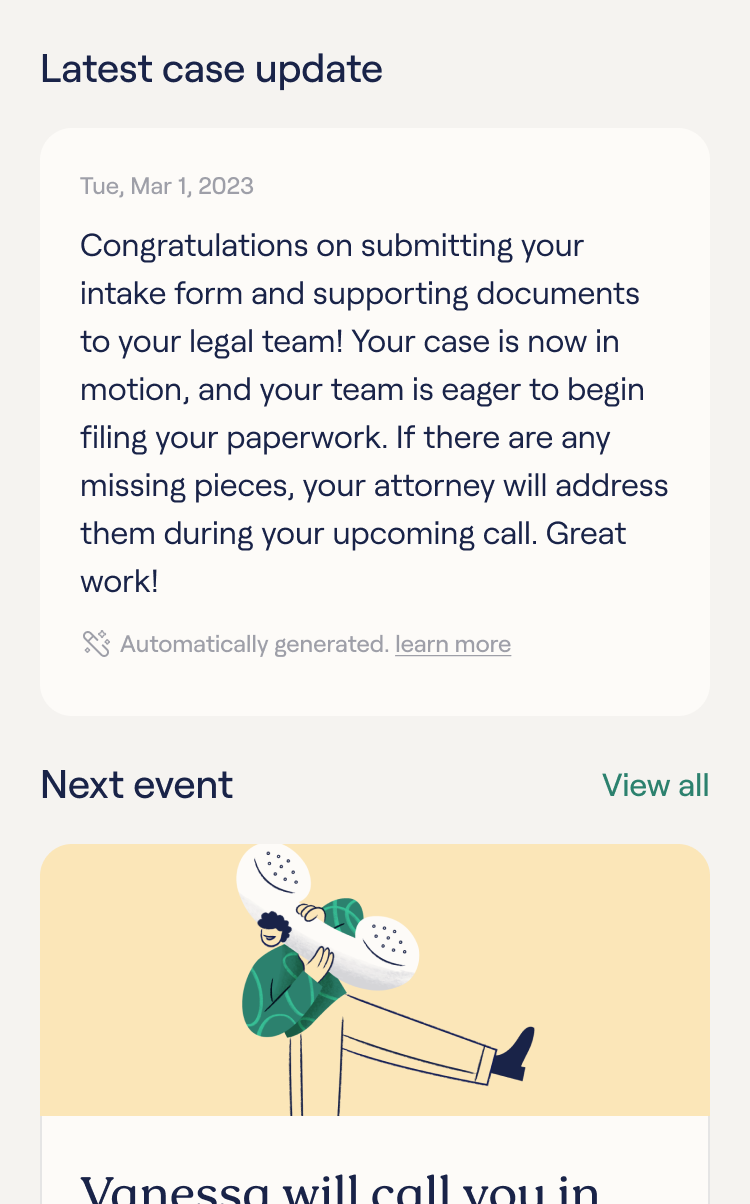
Is anything happening?
02Weeks passed with no word on her case.
50%
of tickets asked what's next
Our proposal
Keep clients informed
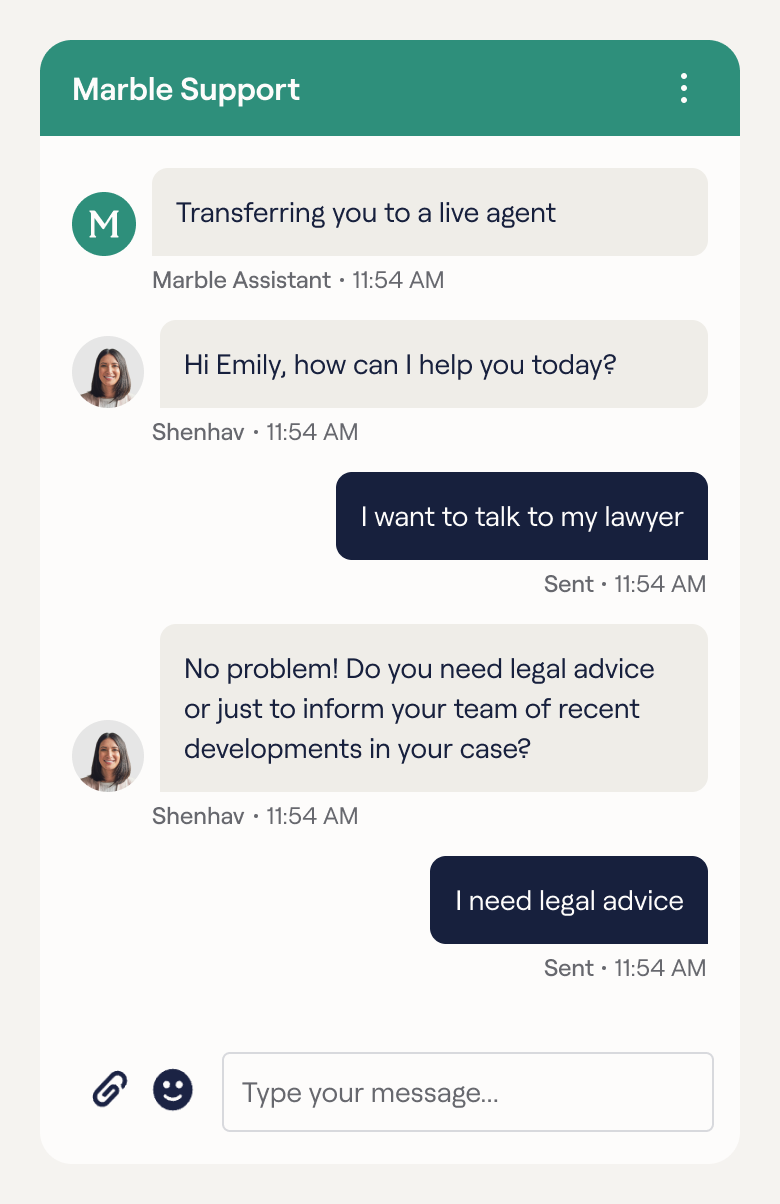
Who’s in charge here?
03She didn’t know who was handling her case, or who to turn to.
52%
of calls were attorney-related
Our proposal
One clear owner for every case
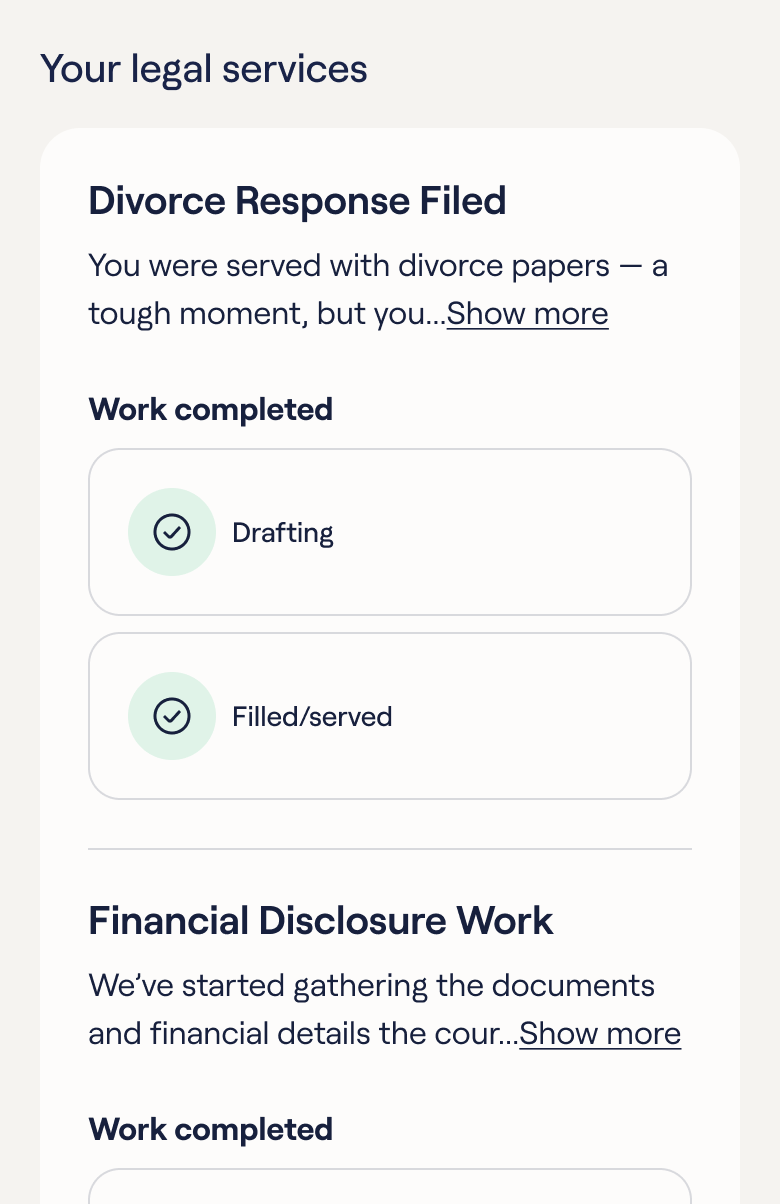
Am I divorced yet?
04Her stage closed, and she wasn't sure she was divorced yet.
28%
drop in satisfaction by case close
Our proposal
Always show what’s next
Three tasks, and no idea why they mattered.
36%
of calls were about forms or documents
Our proposal
One task at a time
Weeks passed with no word on her case.
50%
of tickets asked what's next
Our proposal
Keep clients informed
She didn’t know who was handling her case, or who to turn to.
52%
of calls were attorney-related
Our proposal
One clear owner for every case
Her stage closed, and she wasn't sure she was divorced yet.
28%
drop in satisfaction by case close
Our proposal
Always show what’s next
Mapping the legal journey
We broke down the entire legal workflow. Every step needed new features and tasks.
Exploring directions
Four takes on the home screen, each testing a different way to guide her.
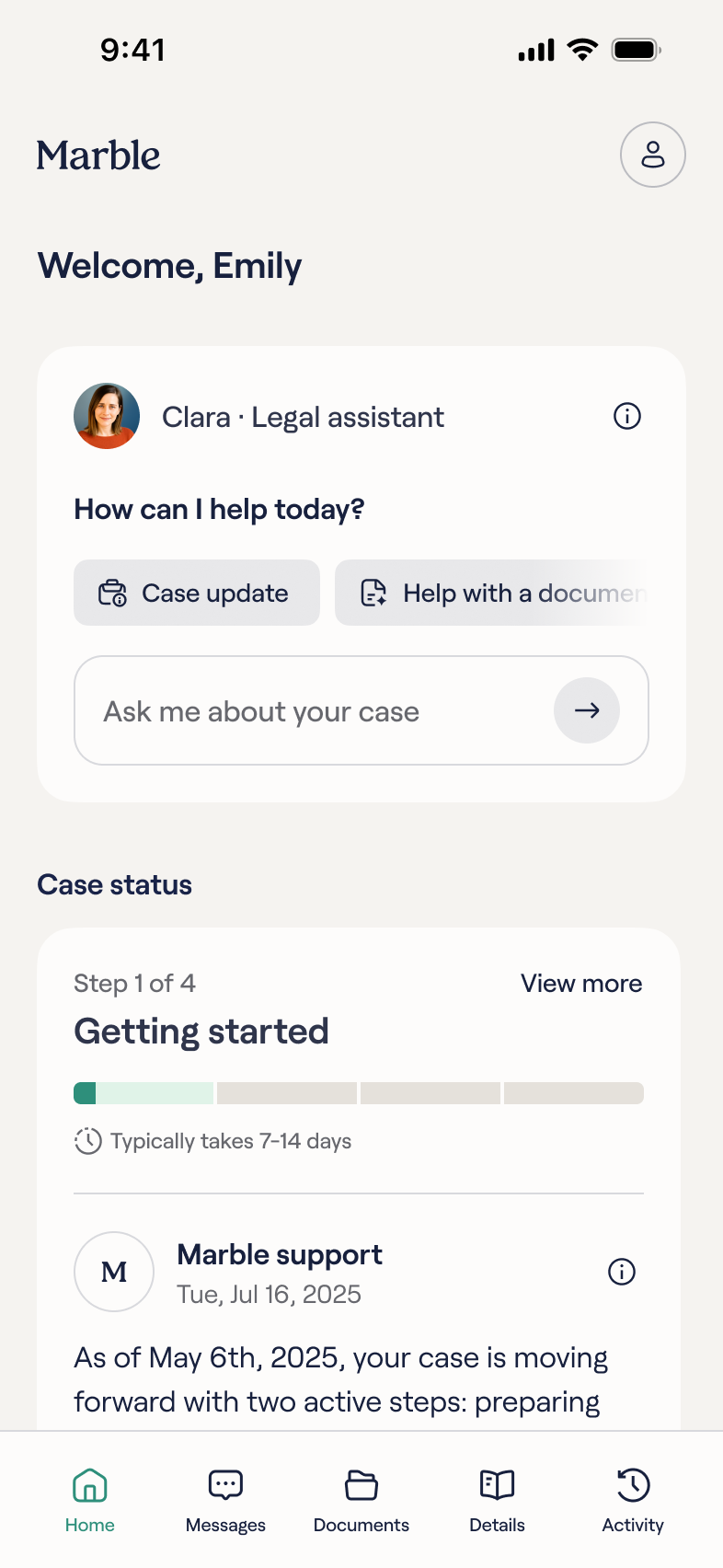
First attempts
Ways to ask questions, and a clearer legal journey.
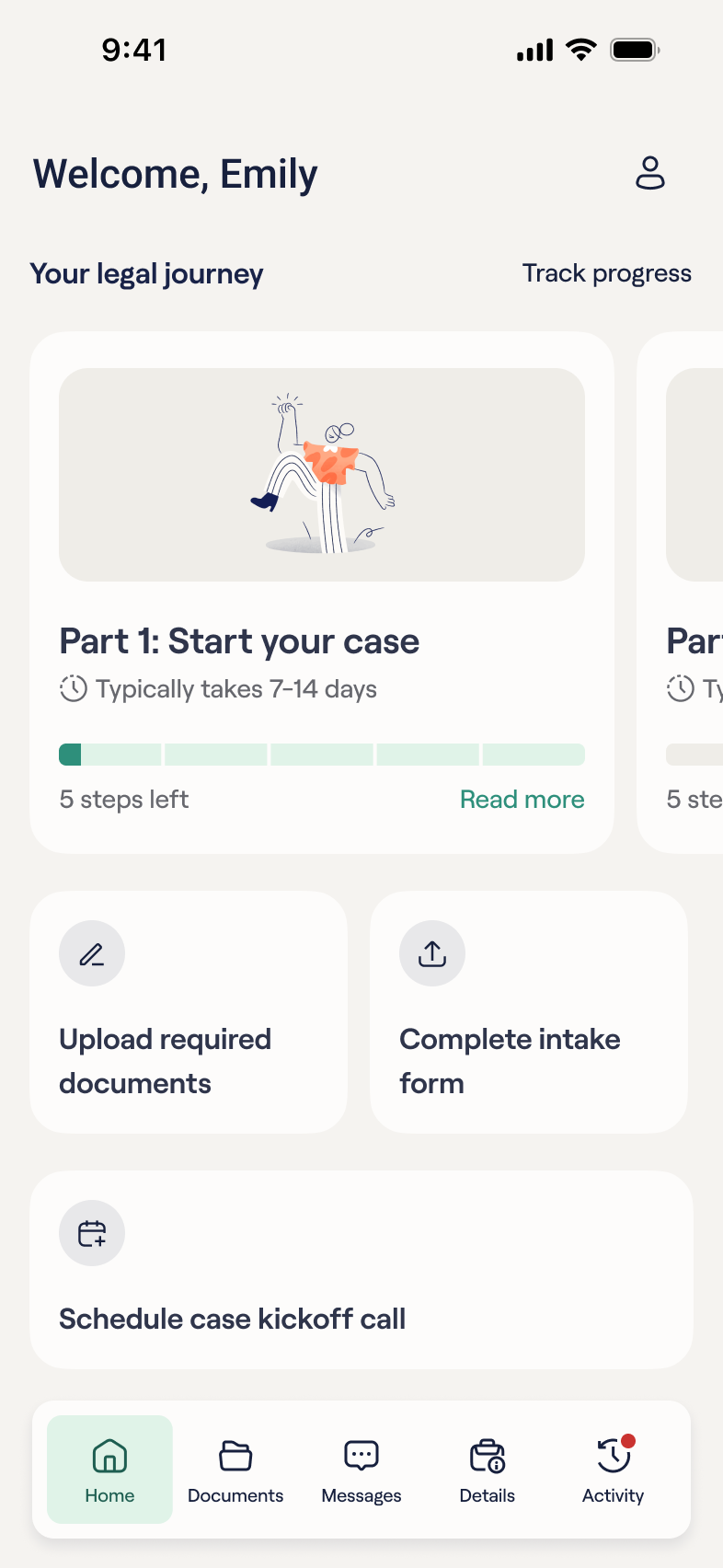
Layout tests
Different ways to show tasks and events.
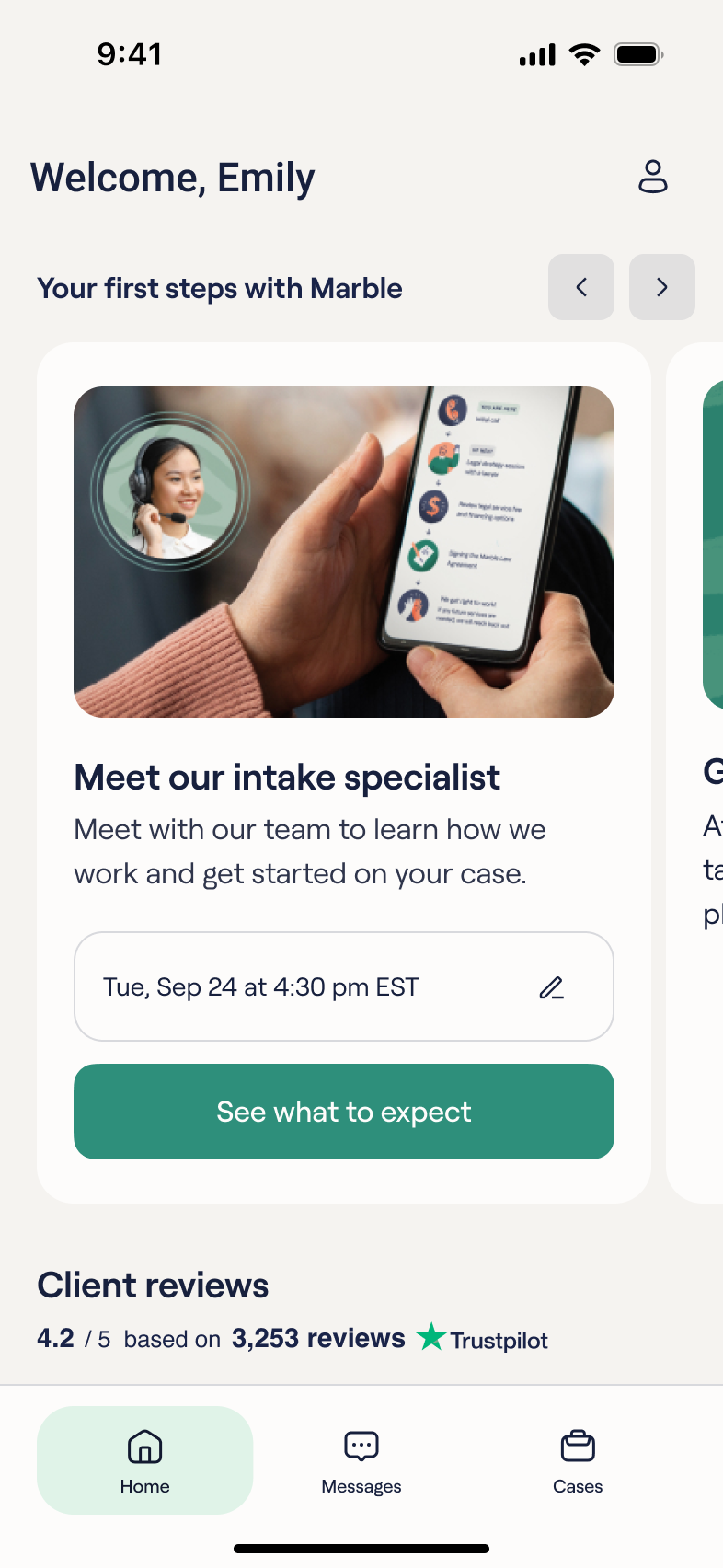
Getting there
One task at a time.
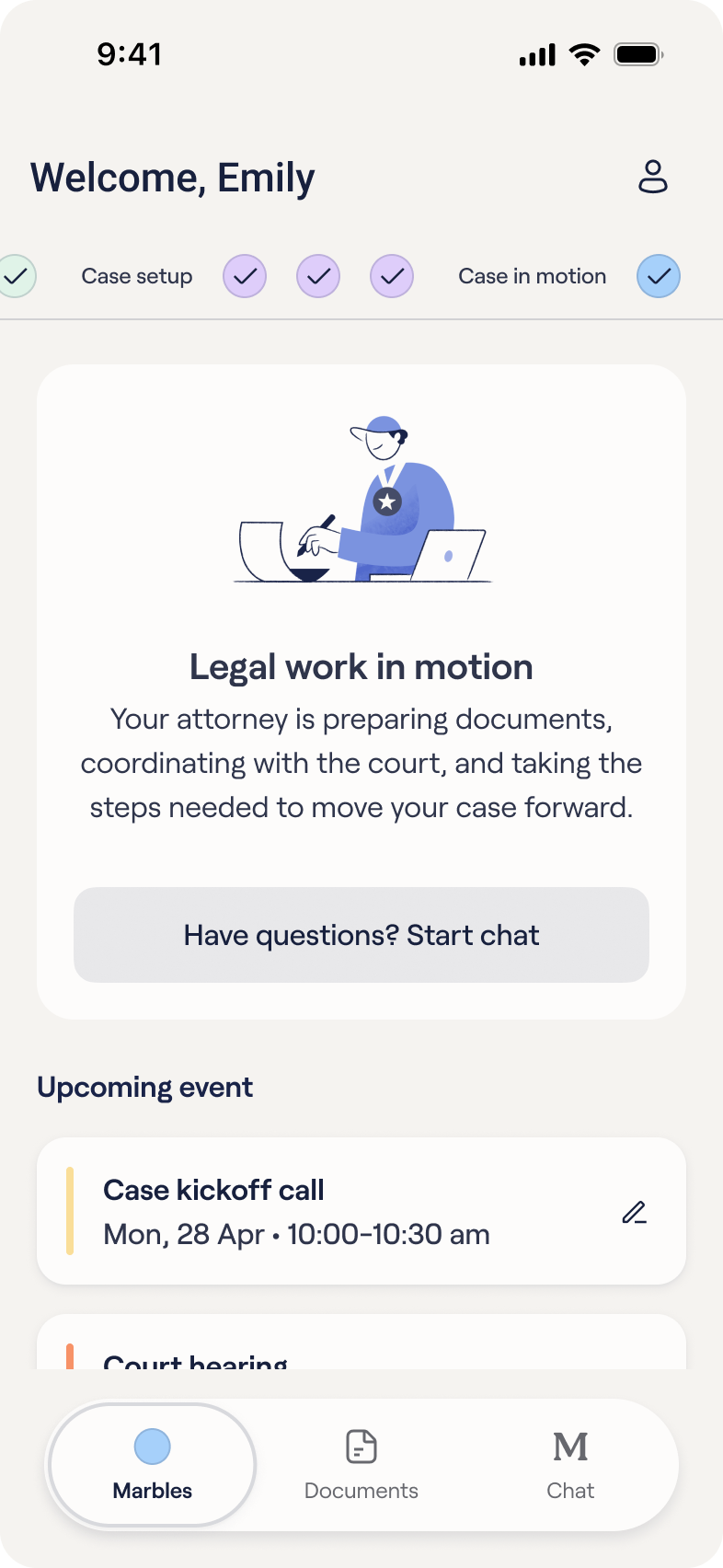
More attempts
New ways to picture the legal journey.
What we shipped
Impact
85%
of tasks completed, up from 64%
25%
lower first-month churn
2×
weekly activity after week two